Dance · 12s sample
Car Alarm
A night out. A red car. Some unexpectedly good moves.
Sample input: One cat photo
Photo tips & template detailsPreview onlyCreation coming soon
PET VIDEO MAKER · COMING SOON
A favorite photo. Their own dance or rap moment. Find the template that feels like your pet.
JPG, PNG or WebP · Up to 10 MB
For now, explore the previews. No uploads, generation or payments.
Real test clips. Photo uploads and video creation are not open yet.
IN THE SPOTLIGHT
A night out. A red car. Some unexpectedly good moves.
Explore Car Alarm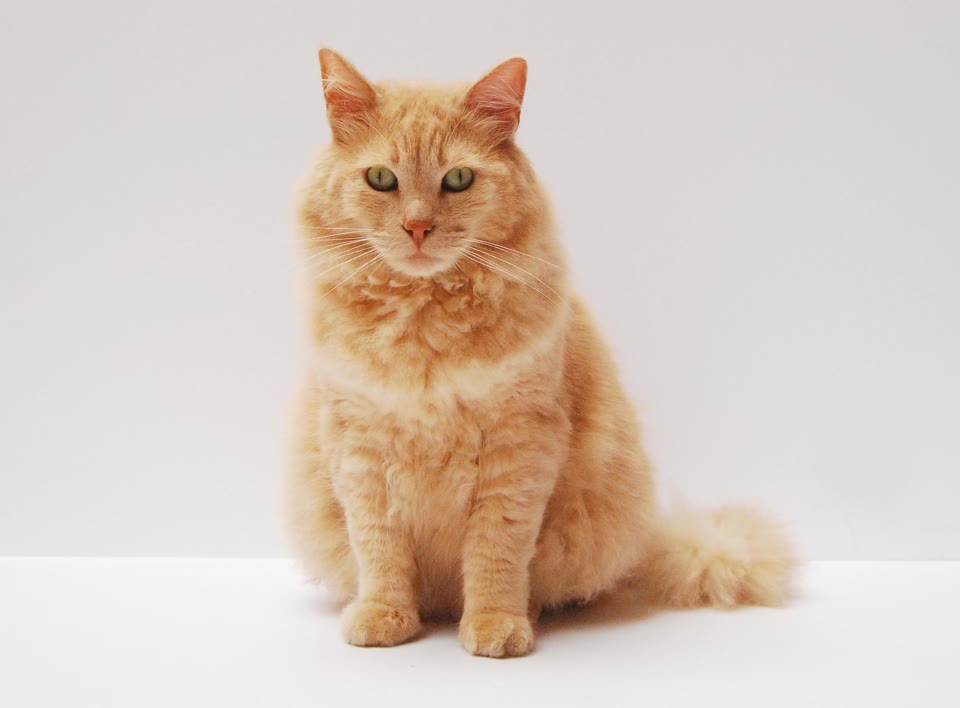
Little clips. Big personalities.
A night out. A red car. Some unexpectedly good moves.
Sample input: One cat photo
Photo tips & template detailsA small star with a very big stage presence.
Sample input: One cat photo
Photo tips & template detailsTwo little personalities. One mic. All the attitude.
Sample input: Prepared two-pet image
Photo tips & template detailsA first look at what’s coming. Video creation and purchases are not open yet.
The idea is simple. We’re getting the creation experience ready.
Choose a dance or rap, then check the sample’s starting photo.
Follow that template’s photo tips. A prepared two-pet scene is different from a single pet photo.
When creation opens, make your clip and save the keeper.
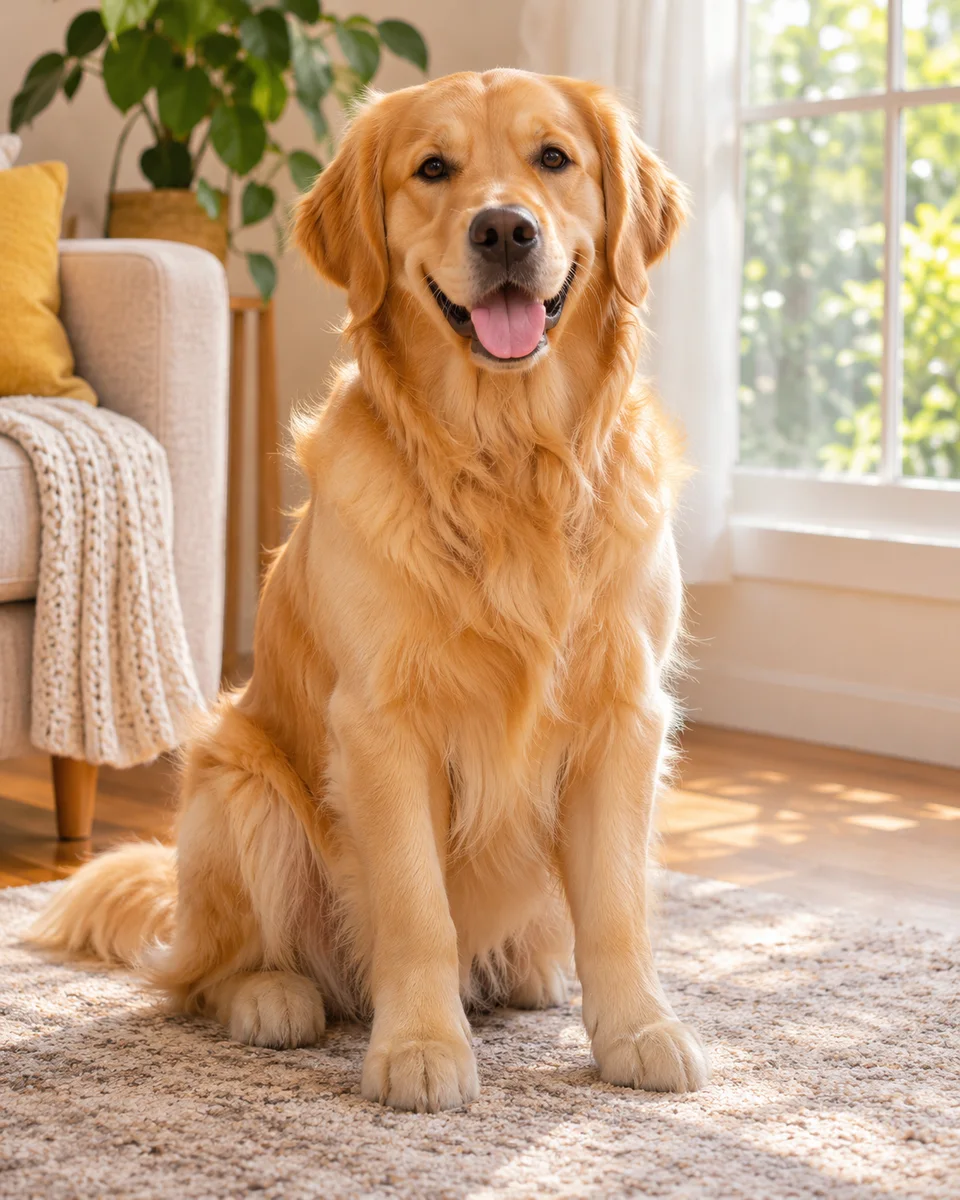
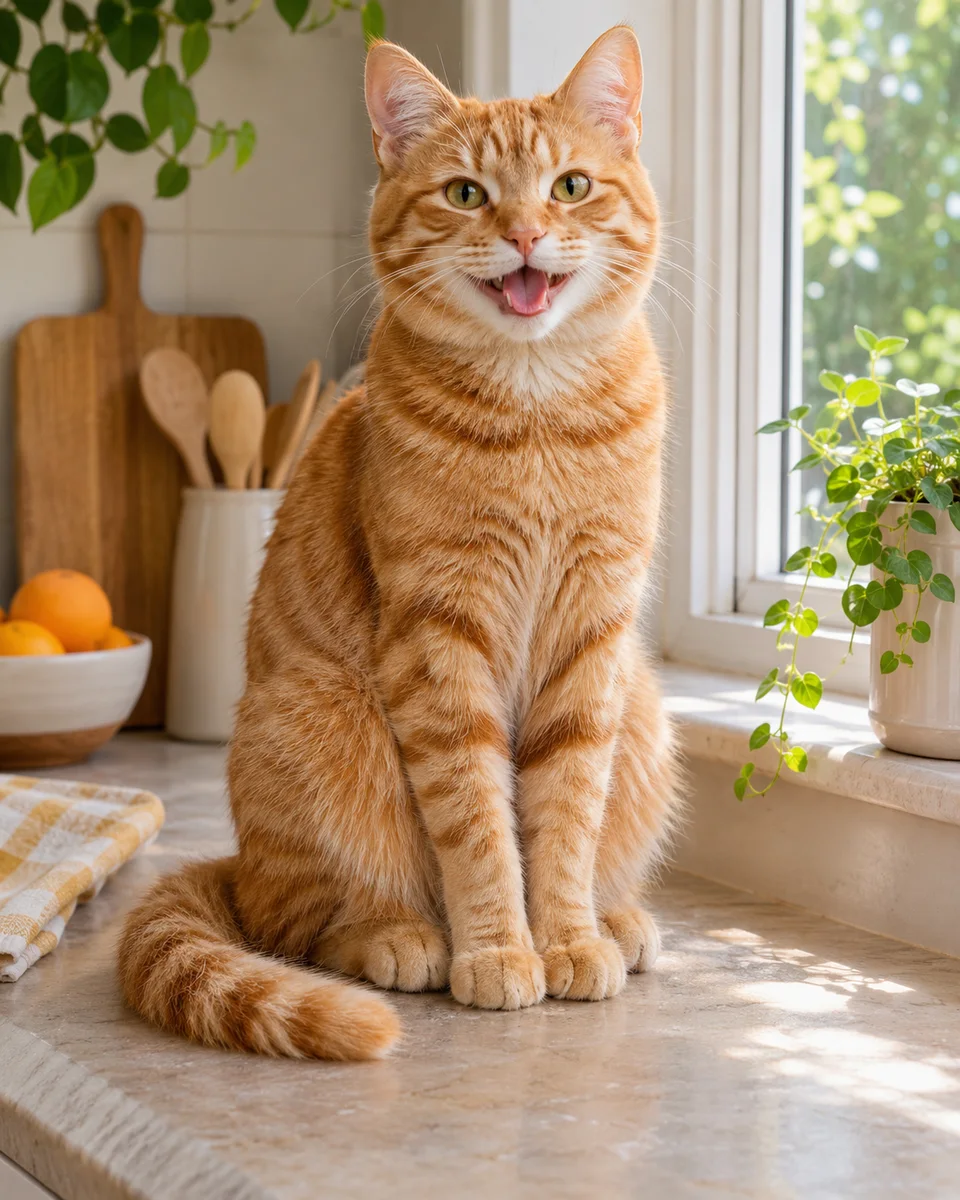
Start with the template’s own photo tips. The two-pet studio sample uses a prepared scene, not two separate uploads.
Quick answers to common questions about your pet photos and videos.
Get in touchNot just yet. This is a first look at MyPetClip. You can explore the collection and watch the available previews, but photo uploads, video creation and purchases are not open.
The playable examples are actual test outputs. Each template page explains the photo or prepared scene used for its sample. They are examples, not a guarantee that every photo will produce the same result. Artwork-only ideas are labeled separately.
Choose one pet in good light, with a clear face and an unobstructed body. Keep paws in frame where possible. Avoid busy group photos, strong filters and heavy blur. The planned upload formats are JPG, PNG and WebP, up to 10 MB. Check the template’s own photo tips too.
Yes. Previews start muted. The featured homepage clip may play silently. On desktop, hover over another clip for a silent preview; move away to pause it. You can also use the play and pause buttons. Press the speaker button to hear the sound retained from the reference clip and keep watching. Playing another preview pauses the previous one, and clips pause when you scroll away.
Hotel Lobby shows a prepared scene with two pets. Custom two-photo uploads, role selection and original rap creation are not available. We’ll explain the supported inputs when each template opens.
There is nothing to buy in this preview. Pricing, credits and available options will be shown before video creation opens. You will be able to review the price before submitting a generation.
Photo uploads are not open in this preview. The creation experience is being prepared for both phone and desktop, with photo guidance on each template page.